
iPhone app · beta
FRETTLIFT
for iPhone
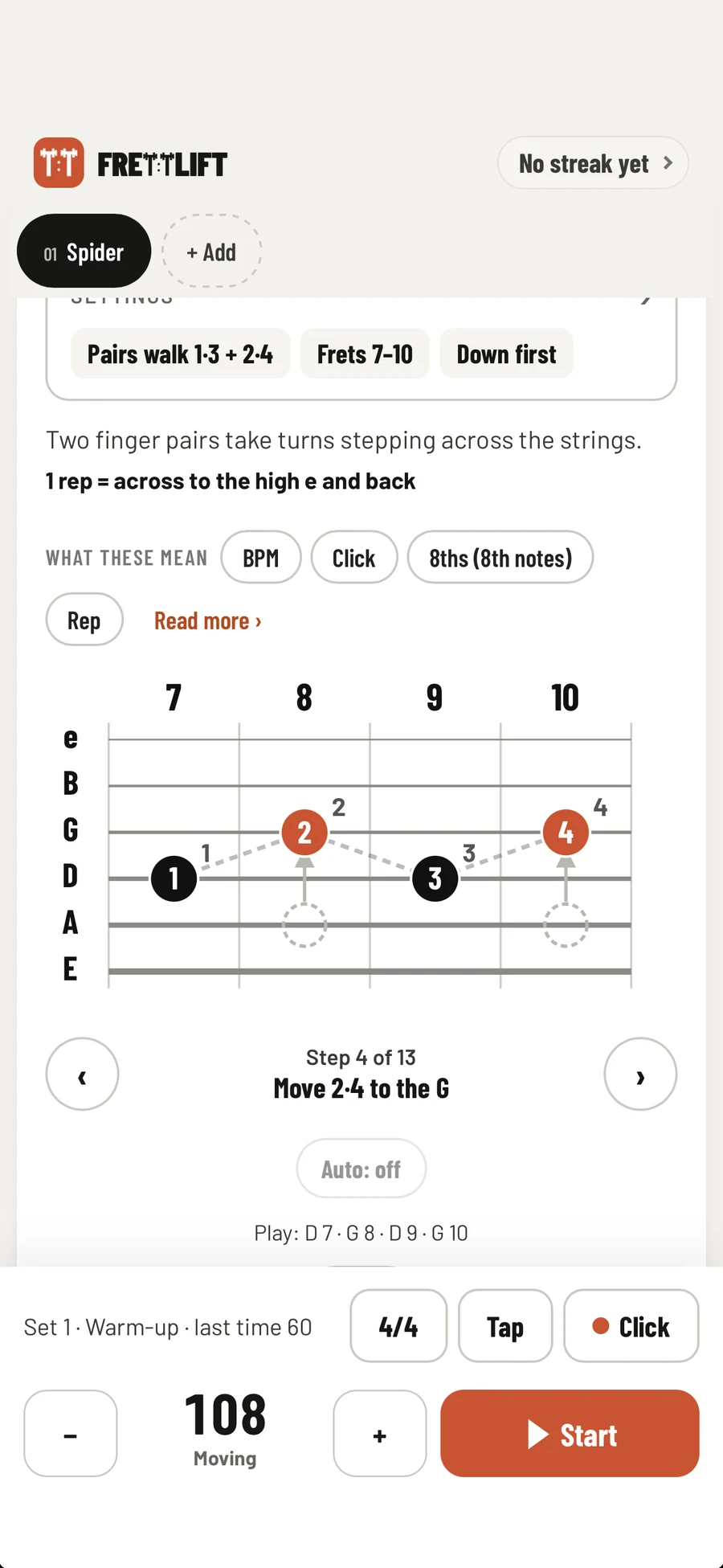
The same routines, exercises and progress as the web app, built for practising with your phone on the stand. The click keeps going when the screen locks. Free while it’s in beta.
iPhone with iOS 17 or later. Free, with no account.
Sunday 22 November
9:41
 Scale Runs70 BPM · Easy · 0:42Stop
How to join
FRETTLIFT on TestFlight
1
Tap the link on your iPhone
Tap Join the beta on TestFlight. Open this page on your iPhone, not a computer.
2
Get TestFlight if asked
TestFlight is Apple’s free app for trying apps before they reach the App Store. The link takes you to it if you don’t have it yet.
3
Accept and install
Tap Accept, then Install. FRETTLIFT appears on your Home Screen, and TestFlight tells you when there’s an update.
What’s different
Web app or iPhone app?
Both have the same exercises, scales, routines and Progress, with no account. The app adds the things a browser can’t do.
Feedback
What we’d love to hear
- Does the click keep time when your screen locks?
- Is anything confusing, broken or slow?
- Would you come back to it next week? Why, or why not?
- Is it clear who FRETTLIFT is for? Does it suit you if you’re coming back to guitar, short on time or struggling to stay motivated?
In the app, go to More, then Send feedback. Or take a screenshot and use Share Beta Feedback in TestFlight, or email harry@sullycopy.com.
Does it cost anything?
No. The iPhone app is free during the beta, and the web app is free to use with no account.
How long does a beta version last?
Each version works for 90 days. TestFlight offers you the newer one before then.
Can I still use the web app?
Yes. Nothing changes on frettlift.com.