

The gym app for guitar
Get your
chops back
Guitar practice that works like the gym. Build your own routines from exercises and scales, play to the click, rate every set and come back better next time.
Free in your browser
No account needed
Free on TestFlight
iPhone, iOS 17 or later
Free to use
No payment or account needed
Your routines stay with you
Saved on your device, not on our servers
Works anywhere
Web app on laptops, tablets and phones, and an iPhone app in beta
Who it’s for
Made for guitarists who
Want to get back to their best
Rebuild the control and accuracy you used to have with steady, clean reps, then push past where you were.
Don’t have long to practise
Pick a routine and press Start. The plan is already made, so every session counts, like a workout at the gym.
Need a reason to show up
A streak to keep, bests to break and last time’s tempo to beat. Small wins that keep you coming back.
BPM isn’t everything. Clean reps, good form and turning up are what count. Speed follows.
Backing tracks
Practise it, then play it
After your sets, play it over real music. FRETTLIFT suggests chord progressions that suit the scale, in your key. One tap searches YouTube or Spotify for a backing track, so you go from practising to jamming without hunting for the right key.
- Progressions in your key, with the numbers behind them
- Working slowly? It looks for a slower track
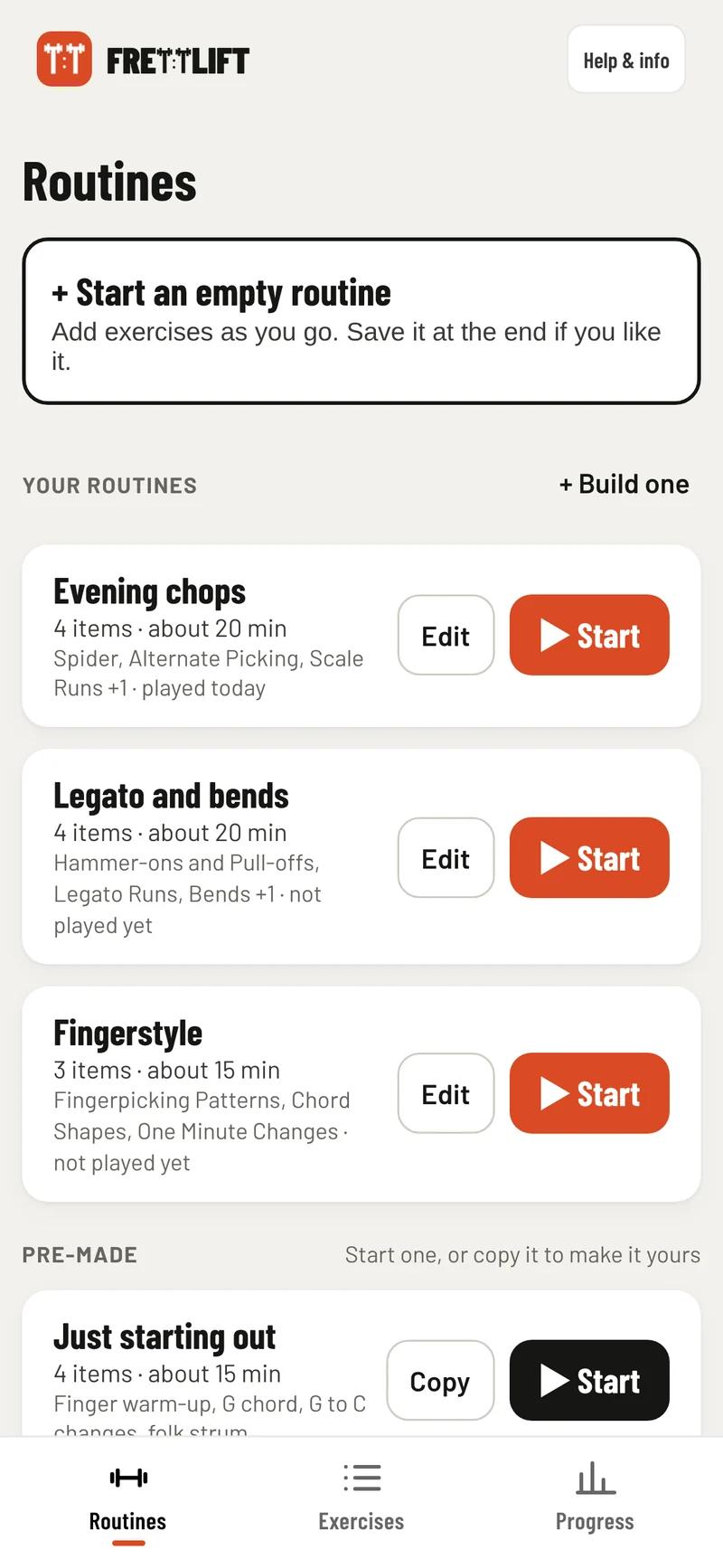
Make a plan
Build your routine
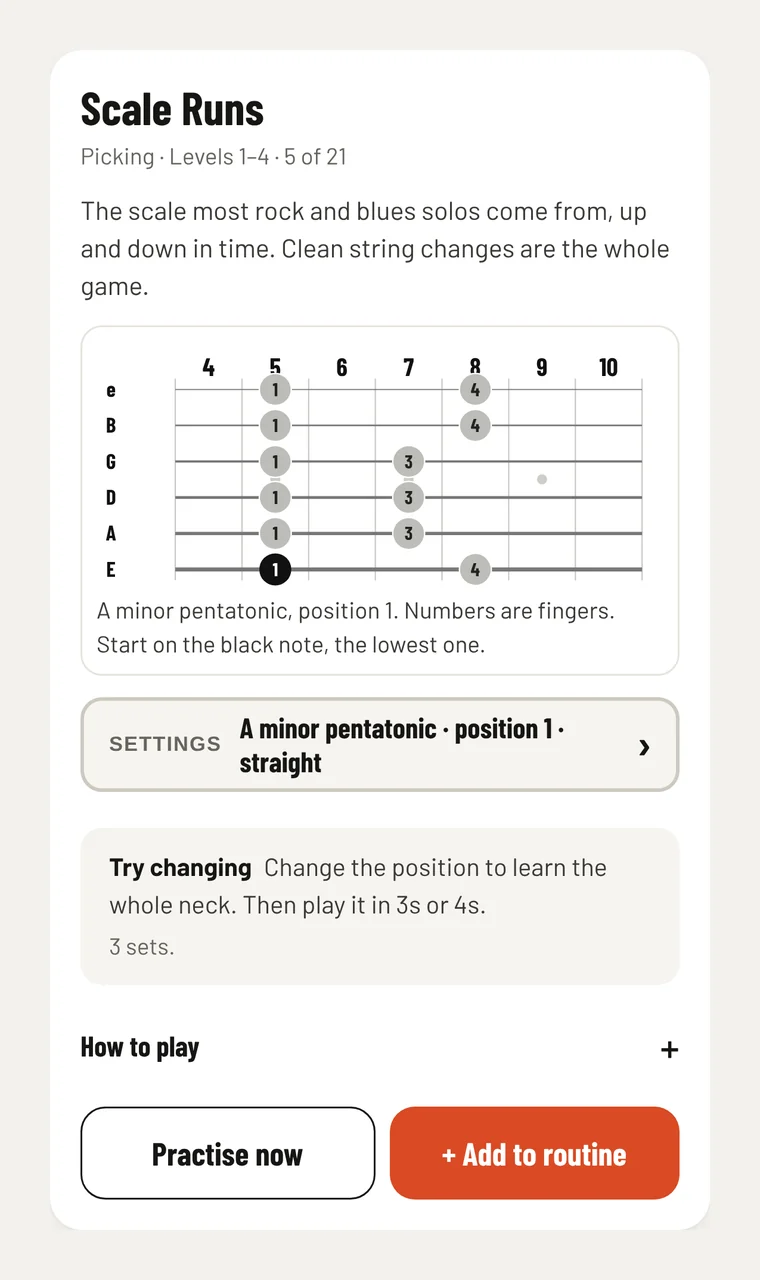
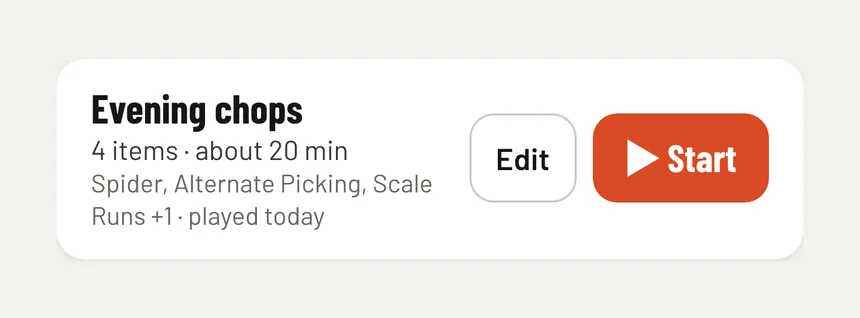
Start with a pre-made routine or an empty one. Add the exercises and scales you want to work on, and save it for next time.
- Exercises, scales and chords in one list
- Save your routine and start it again next time
Beats per minute
Avoid ego shredding
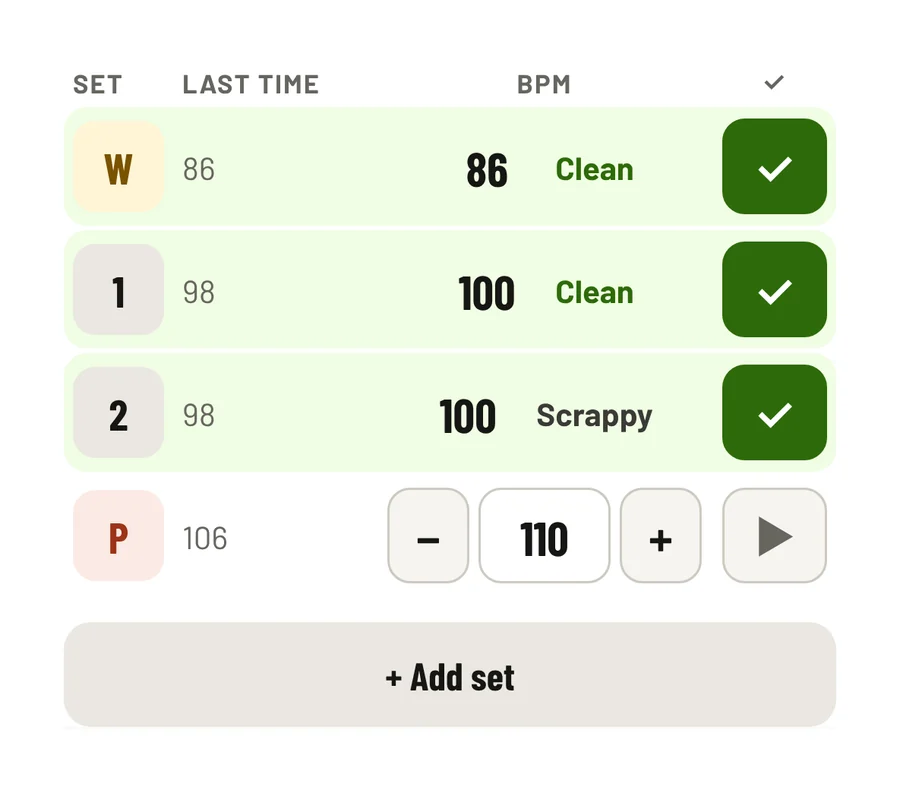
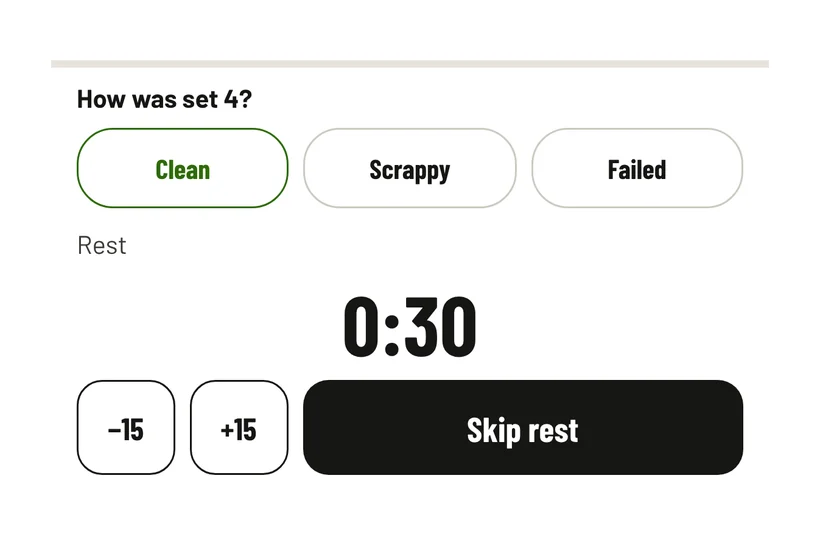
Set the right BPM for your warm-up, working and push sets. A tempo you can play cleanly is more useful than a number that sounds like an awkward, semi-tuned buzz. Speed doesn’t replace musicianship, but it gives it more room.
- Warm-up, working and push sets, with last time’s tempo next to each
- Mark every set clean, scrappy or failed
Set up where you play
A laptop or iPad on a stand works best. Both hands stay on the guitar.
Your phone works too
Prop it up where you can see it. Plan and check progress away from the guitar.
Little and often
A short session most days beats one long one a week.
How is this different from other guitar apps?
No songs or lessons. It’s a gym-style log for the fundamentals: routines, sets and a tempo to beat.
Isn’t this just about playing fast?
No. Footballers squat and sprint in the gym, not to win at squats, but so their legs can do whatever the match asks. FRETTLIFT is that gym for your hands. Clean picking, strong fingers and smooth changes mean you can play what you hear. Theory and songs are the match, and there’s theory in here too: scales, keys and chords in any key.
Is it free?
Yes. FRETTLIFT is free to use in your browser, with no account. The iPhone app is free during the beta.
Does it work on iPhone?
Yes, two ways. Use it in Safari or Chrome now, or join the iPhone app beta on TestFlight. The app keeps the click going with the screen locked and plays with the silent switch on.
Where is my practice saved?
On your device: in your browser on the website, or inside the iPhone app. Nothing is stored on our servers. Save a backup to move it.